tales of dots and labels
This is week three, which I believe officially constitutes a pattern.
#web
My websites, web services, and all related infrastructure (as code).
A habit I've started is to build helper tools as Go binaries within ./cmd/<name>. Taking a leaf out of systemd's book, I began suffixing them with ctl, but then couldn't remember which ctl I needed without doing an ls ./cmd first, which was less than ideal.
I've consolidated feedctl, pagectl, and webctl into one ctl with subcommands for what was previously at the top level. This provides an obvious entry point, with the CLI help output aiding in discoverability.
I noticed that the FNV content hashes were not padded to a fixed width. Now they are padded.
#system
Everything related to my local personal systems and their configuration (as code).
The guard has an underlying limitation in that it only works with command prefixes. This works fine when it's a command like git diff, which is safe1, even if arguments can be appended to the end.
There are lots of commands that are safe in their exact form, but could be dangerous otherwise. For example, git remote lists the configured remotes, but git remote remove deletes one. The former must only be allowed in its exact form, and that's now possible due to a careful refactoring.
I replaced the broken DuckDuckGo search tool with Brave's API and then realised I don't really need it at all. The synthesised result from the OpenAI API is enough.
Finally, box gained an escape hatch in the form of a config entry [run].flags, for raw flags to pass to docker run. Why did I need this? You'll see.
#starfield, torch
I upgraded the mise toolset within the torch repository, and the sqlc build broke. It wasn't anything interesting, just upstream adding a couple of new recognised types (bigints) that starfield did not know about. I brought starfield up to date.
#pi-io
My hard fork of pi (for now).
To keep up with the ever-changing models database, I set up a GitHub Actions workflow to update the models list and force-push to a branch. This is just to make it a bit easier for me to review changes and merge them in.
Aside from that, a few changes were needed to make Fable work.
#label
Messing around with the Brother PT-P710BT label printer.
This idea formed a while ago, but for various reasons the project was shelved. Before we nerd out about dots, I'll briefly touch on what I want to achieve.
I want to go from "I want a label" to actually having a label, at the speed of thought. I want it to be just as easy to print one that follows some particular format or style as it is to build a custom one, either from scratch or using some form of templated layout.
To design and print labels, you're meant to use one of two Brother-sanctioned mobile apps. One is newer, and yet they both look just as mediocre as each other. Some of this is probably due to the mobile form factor, as well as design limitations when building for a general audience.
These problems are all solved simply: just give me API access and I'll make my own thing.
That's the beauty of this printer: it's open (enough) to do that. The raster command reference tells you everything you need to know about how to talk to it2. As long as you can turn it into a bunch of black-and-white dots, it can be printed.
The repository containing what I've done so far is available at label (final name TBD). It currently implements the raster protocol over USB and Bluetooth, and provides two subcommands.
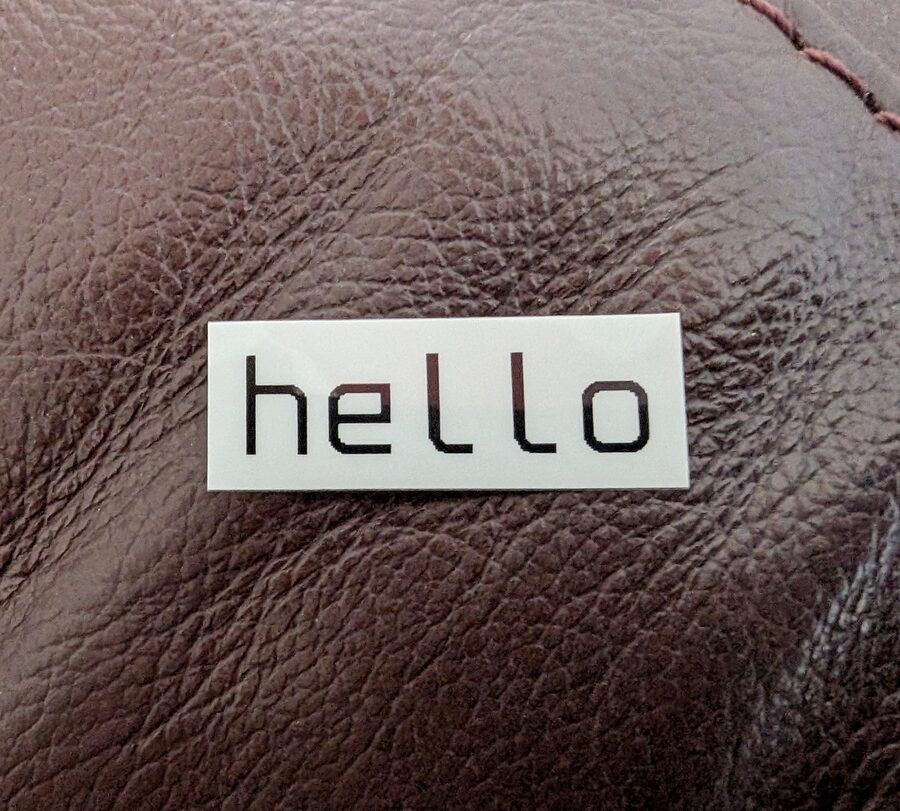
The print subcommand prints a label with a crisp-looking bitmap font (Spleen).
The status subcommand interrogates the printer and shows some attributes.
Printer:      PT-P710BT
Connection:   bluetooth (DE:AD:BE:EF:CA:FE)
Power:        Full
Tape:         Laminated, 12mm
Length:       Continuous
Colour:       Black on White
I want to be able to build custom labels. For this, I need to express the label's design conveniently and quickly3. A label design language, if you will. I'm not sure what the eventual syntax will look like, but it will be a custom embedded DSL (eDSL) for sure.
The only thing I'm sure of is that it'll be terser. Most labels are not going to be more complicated than the examples below, and even the verbose version of the code would still be reasonable to me. But with such a small grammar and set of keywords, shorter representations should be possible.
The iconic design is an icon and a piece of text in a row.
Row(
    Icon("usb"),
    "Keyboard",
)
Embed a QR code and vary the sizes.
Row(
    QRCode("asset:IT-001337"),
    Col(
        Small("ASSET"),
        Large("IT-001337"),
        Small("Code Dept"),
    ),
)
Embed an EAN-13 barcode and take advantage of dynamic spacing.
Col(
    "NAVIGATOR A4 80GSM",
    Row(
        Large("£6.49"),
        DynamicSpacer(),
        Col(
            Small("1.3p/sheet"),
            Small("500 sheets"),
        ),
    ),
    BarCode("5602024006102"),
)
So yeah, that's the idea. Let's see what comes of it.
#housekeeping
Across various Go projects:
- Disabled gomodguard v1 and switched to gofumpt